
PIT is a mutation testing system that allows you to spot deficiencies in your tests. You can integrate it easily with the most popular build tools. However, it would be quite convenient to have reports accessible at all times.
Let’s see how to achieve it with GitHub Pages and GitHub Actions using parallel-collectors as an example.
Integrating PIT
Integrating PIT with a Maven/Gradle project is a relatively easy job. To see all the options, visit the official page. In my case, it was enough to add the below to my pom.xml file:
<profile>
    <id>pitest</id>
    <build>
        <plugins>
            <plugin>
                <groupId>org.pitest</groupId>
                <artifactId>pitest-maven</artifactId>
                <version>1.5.2</version>
                <configuration>
                    <excludedTestClasses>
                        <excludedTestClass>*ArchitectureTest</excludedTestClass>
                    </excludedTestClasses>
                </configuration>
                <dependencies>
                    <dependency>
                        <groupId>org.pitest</groupId>
                        <artifactId>pitest-junit5-plugin</artifactId>
                        <version>0.12</version>
                    </dependency>
                </dependencies>
            </plugin>
        </plugins>
    </build>
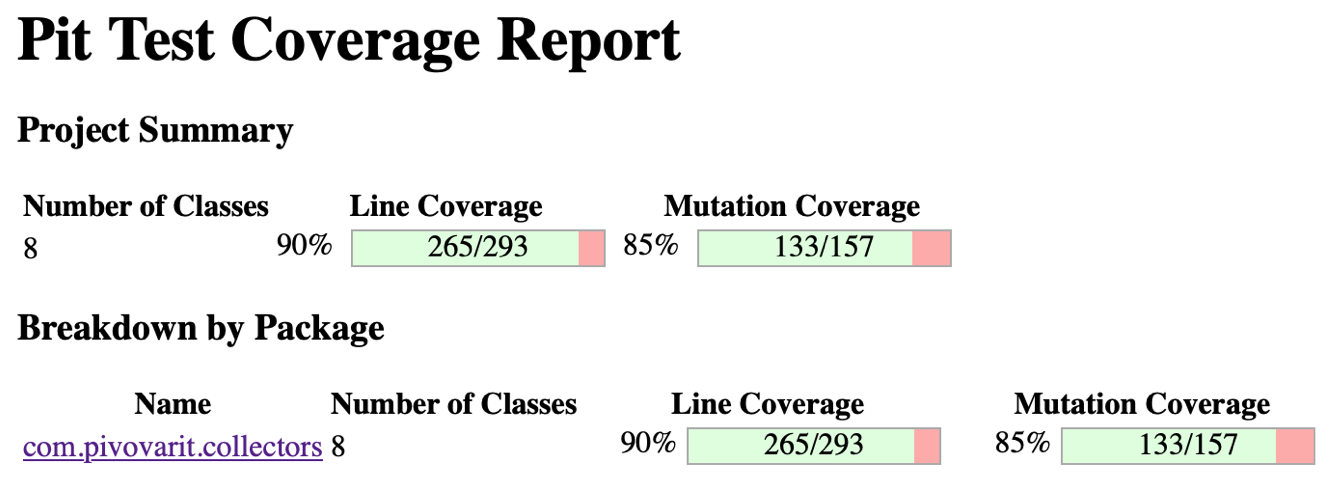
</profile>The result of each run is a handy HTML report:
Publishing Reports to GitHub Pages
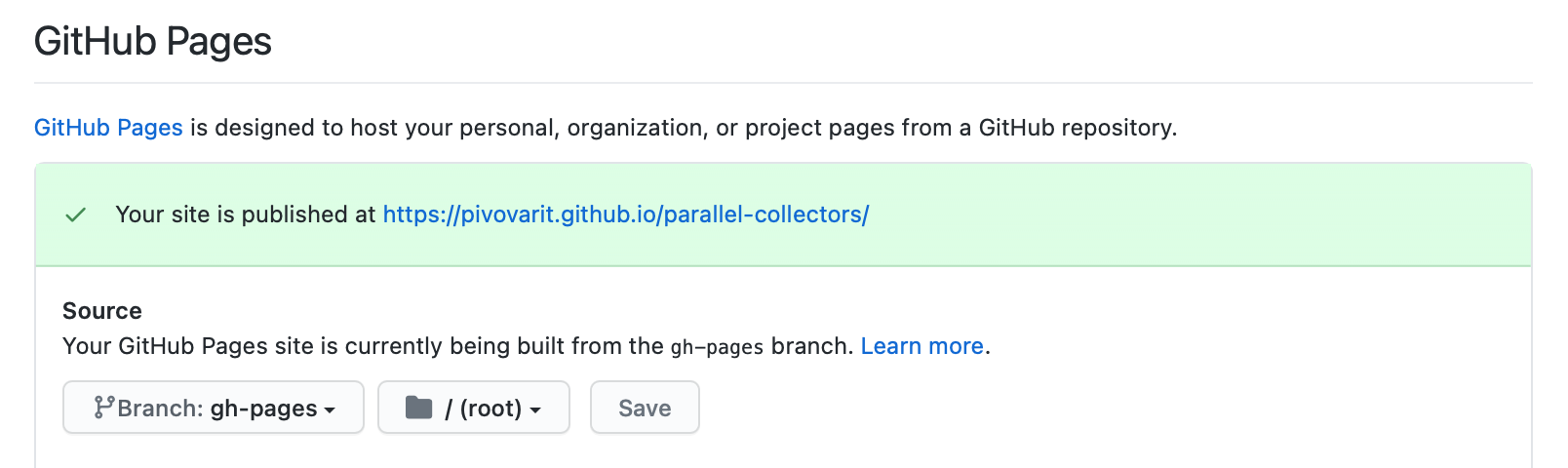
And now, once we enable GitHub Pages for our repository:
We can craft a custom GitHub Actions workflow that:
- Runs PIT and generated an HTML report
- Deploys that report to GitHub Pages
We can run PIT by building a simple pipeline:
name: pitest
on:
  push:
    branches:
      - master
    paths-ignore:
      - '**.md'
      - '**.yml'
      - '**.yaml'

jobs:
  build:
    runs-on: ubuntu-latest
    strategy:
      matrix:
        java: [ '8' ]
        architecture: [ 'x64' ]
    name: Mutation Testing with JDK ${{ matrix.java }} on ${{ matrix.architecture }}
    steps:
      - uses: actions/checkout@v2.3.4
      - name: Setup JDK
        uses: actions/setup-java@v1
        with:
          java-version: ${{ matrix.java }}
          architecture: ${{ matrix.architecture }}

      - uses: actions/cache@v2
        with:
          path: ~/.m2/repository
          key: ${{ runner.os }}-maven-${{ hashFiles('**/pom.xml') }}
          restore-keys: ${{ runner.os }}-maven-

      - name: Run Mutation Testing
        run: mvn package -Ppitest org.pitest:pitest-maven:mutationCoverage
The second part can be achieved by using a dedicated GitHub Actions extension:
- name: Deploy
  uses: peaceiris/actions-gh-pages@v3
  with:
    github_token: ${{ secrets.GITHUB_TOKEN }}
    publish_dir: ./target/pit-reports/*/
And now, whenever a new change is published to the master branch, the PIT report will be published to the GitHub Pages site/branch associated with a given repository.
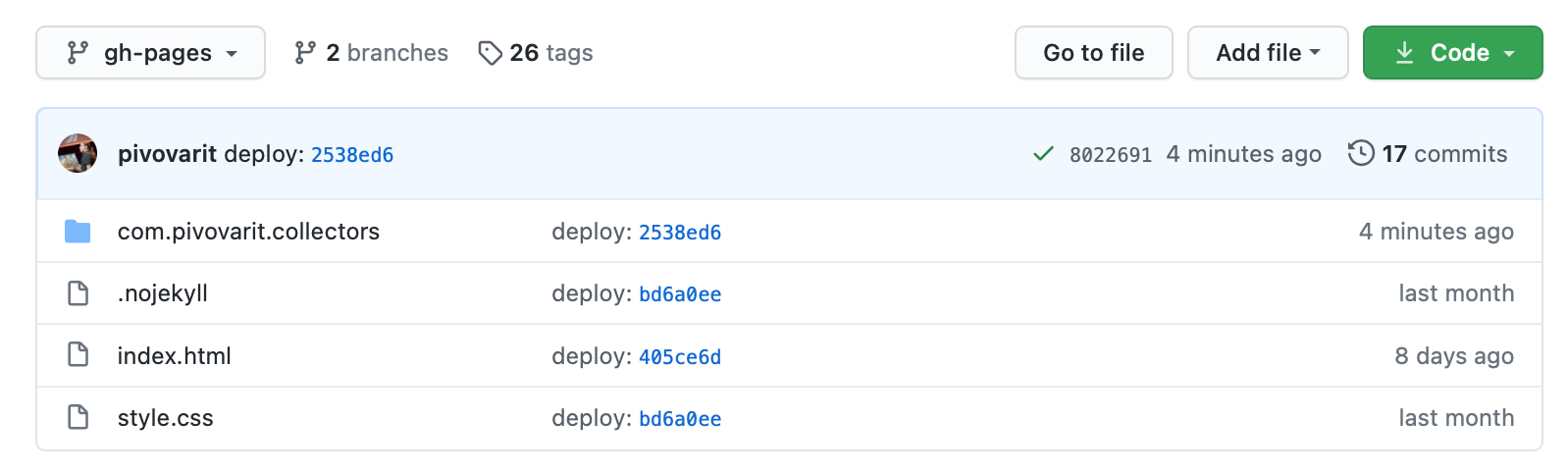
In our case, the result is accessible here.
…and it already helped me spot quite a serious testing deficiency, so it was a time well spent.
PIT helped me spot an interesting testing deficiency in https://t.co/Rv3Tc1vOrLhttps://t.co/hGDmY75CMW
CC @_pitest pic.twitter.com/bU5D3LBggW
— Grzegorz Piwowarek (@pivovarit) November 17, 2020
Conclusion
The pipeline and pom.xml file can be found on GitHub, PIT results can be browsed here.