I’ve been using reveal.js as my main Slides as Code framework for a while. However, creating PDFs manually by “printing” a webpage into a PDF file was never fun(especially when conference staff is pushing you to quickly copy the slides to their USB stick) so I needed to figure out a better way.
Introducing DeckTape
DeckTape is a convenient PDF exporter for various HTML presentation frameworks that provides a command-line utility that accepts HTML files and spits out a PDF file. Splendid! We’re already one step ahead!
However, I found myself often presenting from various devices and some of them were not for me to configure, so I decided to automate PDF creation fully by setting up a GitHub Actions workflow.
It turns out that DeckTape is conveniently encapsulated in a Docker container, which makes the setup trivial.
Essentially, it’s enough to run the following line to land a successful conversion:
docker run --rm -t -v `pwd`:/slides -v ~:/home/user astefanutti/decktape /home/user/slides.html slides.pdf
Let’s automate it.
GitHub Actions
GitHub Actions is GitHub’s native CI tool which we could use for building our automation.
What we want to do is to run a simple workflow after a change is made to the master branch:
- Generate a PDF
- Deploy it into another branch for convenient access
As we’ve seen above, it should be relatively easy to generate a PDF:
- name: Create "/slides" directory
  run: mkdir slides && sudo chmod 777 slides

- name: Build PDF
  run: docker run --rm -t -v `pwd`:/slides -v ~:/home/user astefanutti/decktape reveal-js-presentation/index.html slides/reveal-js-presentation.pdf
We already know how to create a PDF. Now we need to figure out how to deploy files to another branch.
That sounds like a job for the peaceiris/actions-gh-pages GitHub Actions plugin. There are other plugins that could do the same job, but this one seems the easiest to use for our use case:
- name: Deploy
  uses: peaceiris/actions-gh-pages@v3
  with:
    github_token: ${{ secrets.GITHUB_TOKEN }}
    publish_dir: ./slides
    publish_branch: slides
    keep_files: true
Let’s run it.
Collecting Results
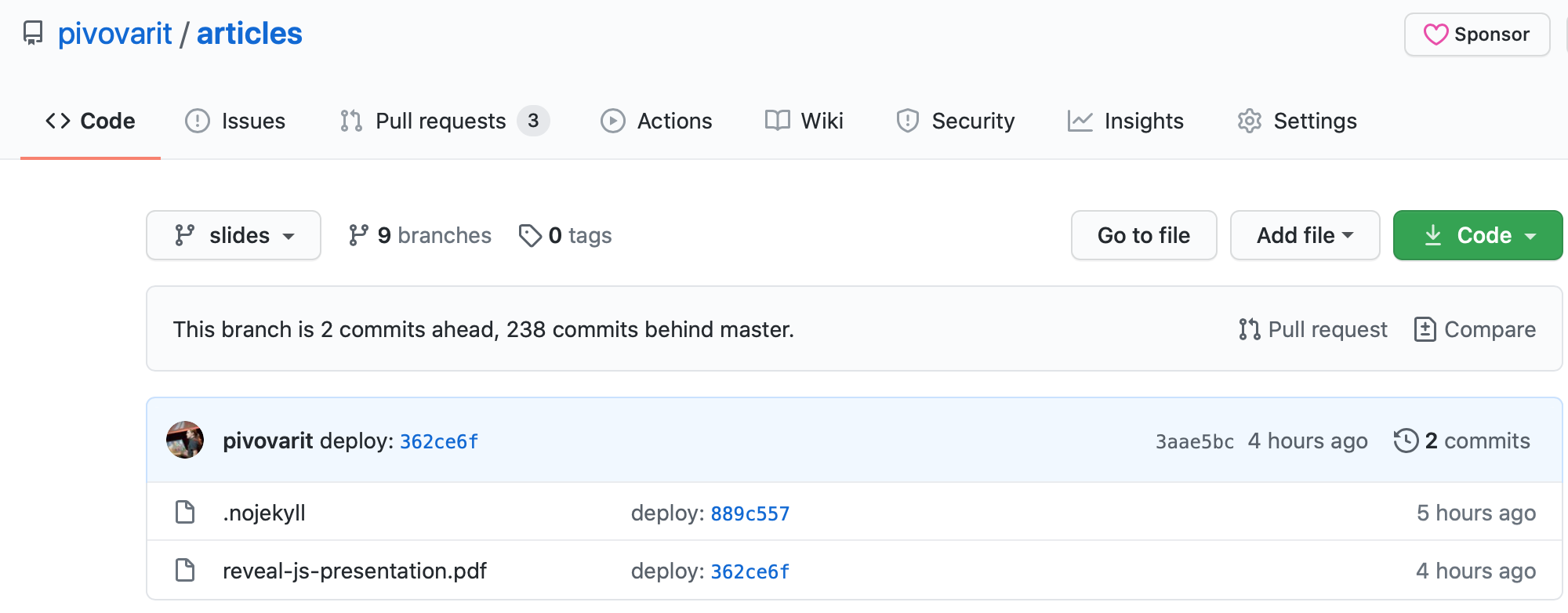
And here we are. The workflow executes and we end up with a freshly-generated PDF file residing in the desired branch:
Below you can find a complete Github Actions workflow and the presentation itself.
name: reveal-pdf
on:
  push:
    branches:
      - master
    paths:
      - 'reveal-js-presentation/*'

jobs:
  build:
    runs-on: ubuntu-latest

    name: Generate PDF
    steps:
      - uses: actions/checkout@v2.3.4

      - name: Create "/slides" directory
        run: mkdir slides && sudo chmod 777 slides

      - name: Build PDF
        run: docker run --rm -t -v `pwd`:/slides -v ~:/home/user astefanutti/decktape reveal-js-presentation/index.html slides/reveal-js-presentation.pdf

      - name: Deploy
        uses: peaceiris/actions-gh-pages@v3
        with:
          github_token: ${{ secrets.GITHUB_TOKEN }}
          publish_dir: ./slides
          publish_branch: slides
          keep_files: true